Free US Shipping On Orders Over $49

Easy 30-Day Returns

Financing Available Through Affirm logo

-

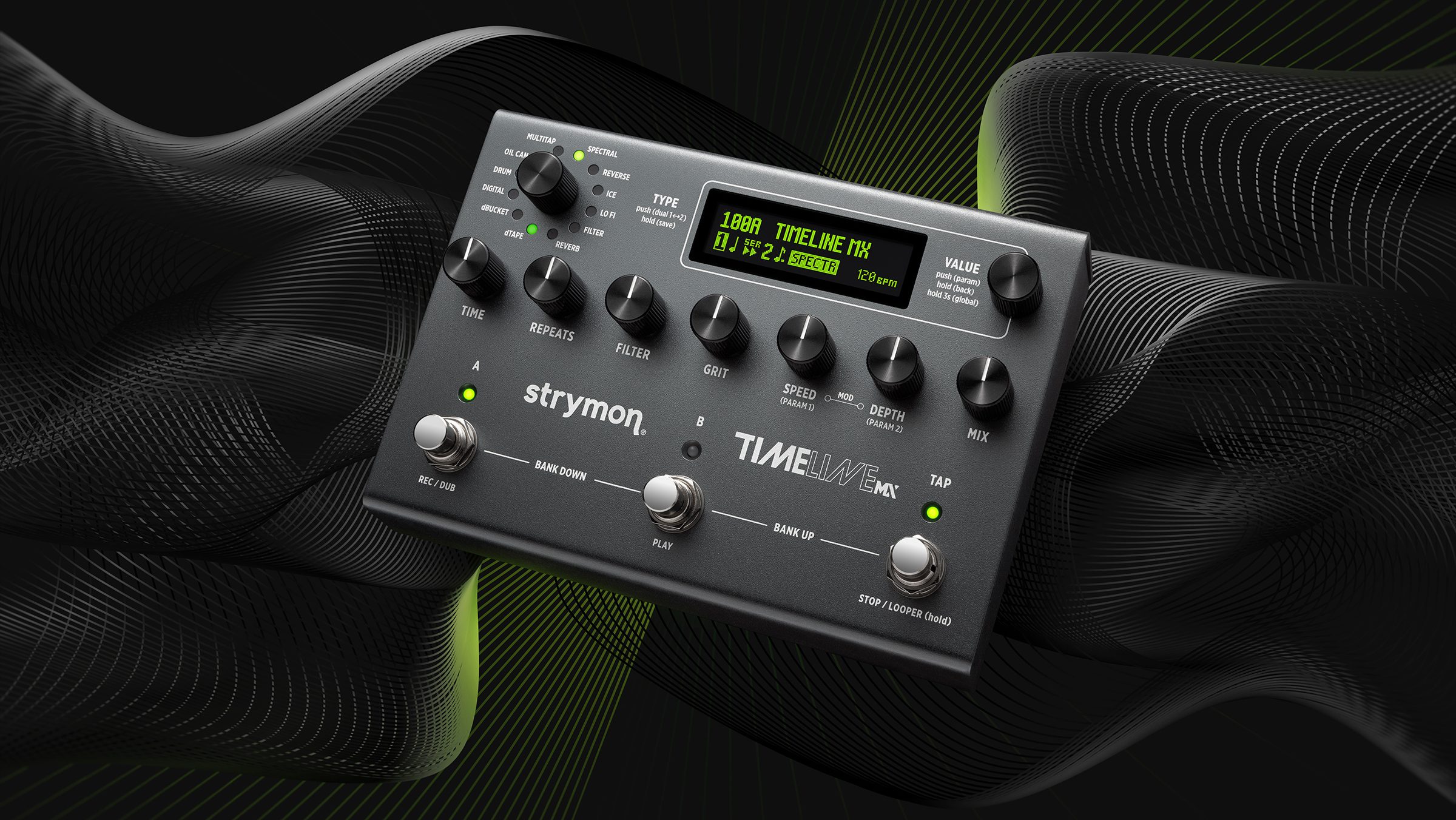
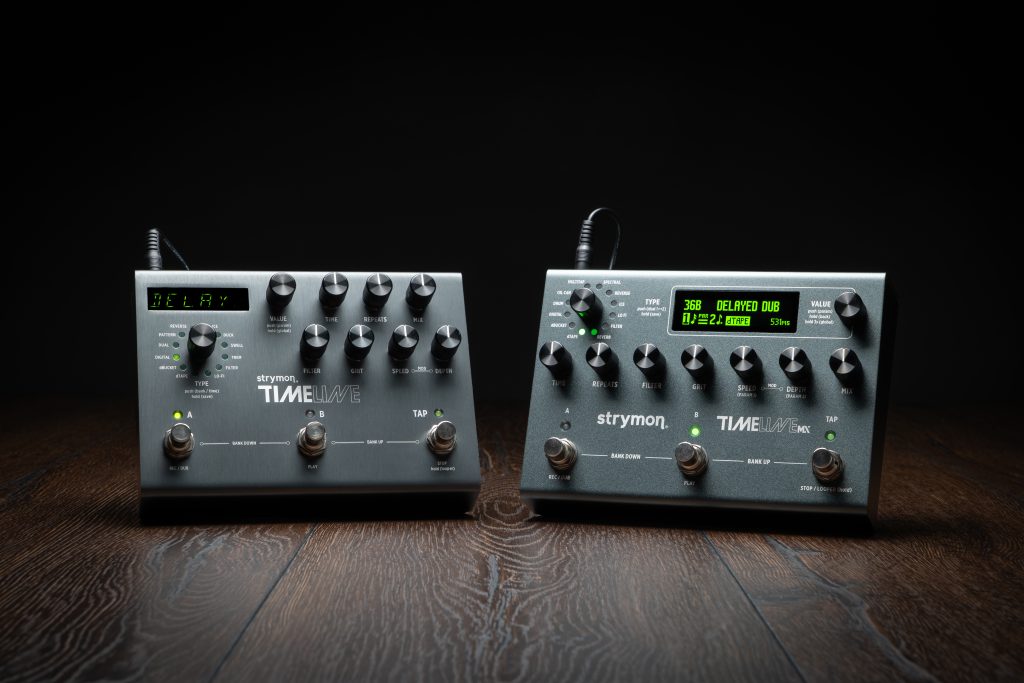
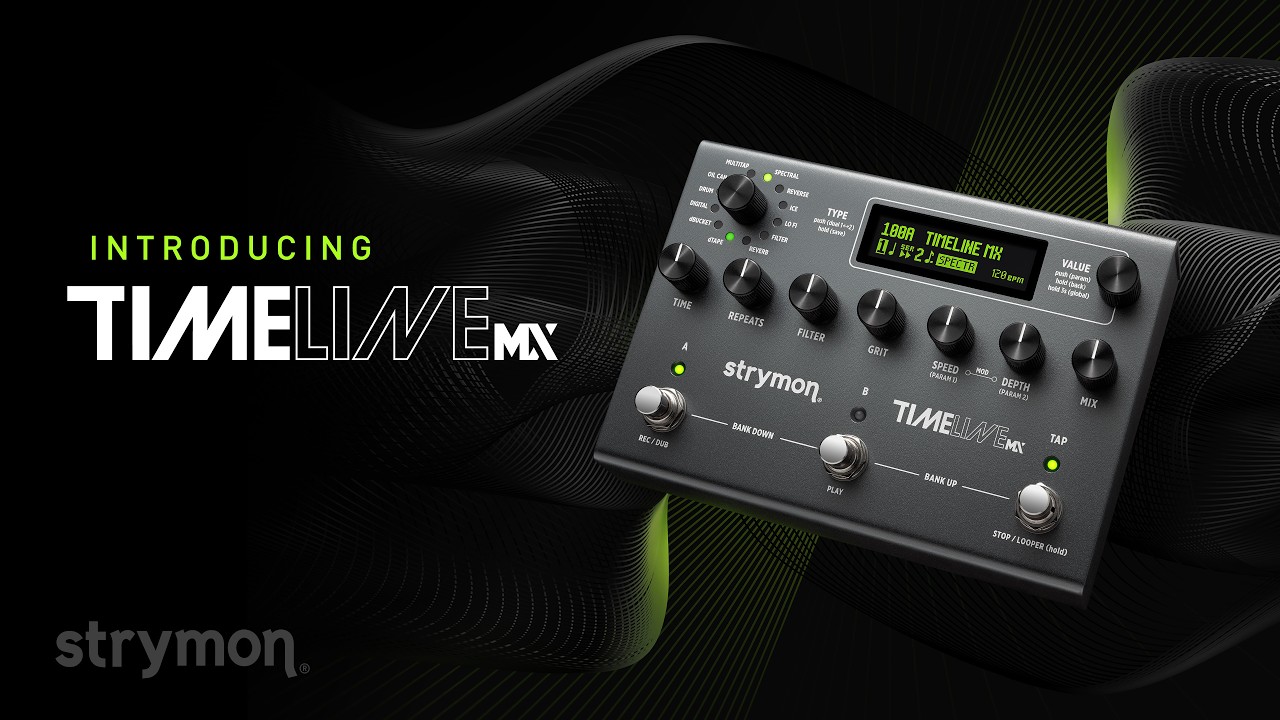
Strymon TimeLine MX against a sci-fi background.

$679.00

Availability: In stock.
Ships same day, or next business day.

-

The Next Generation

The most powerful delay pedal ever.

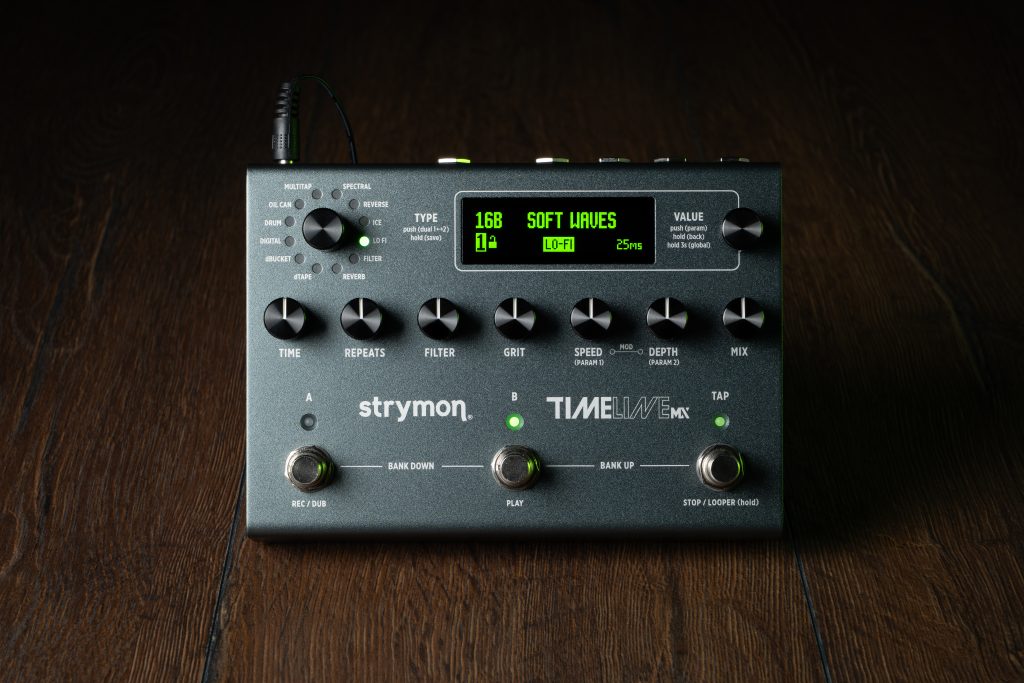
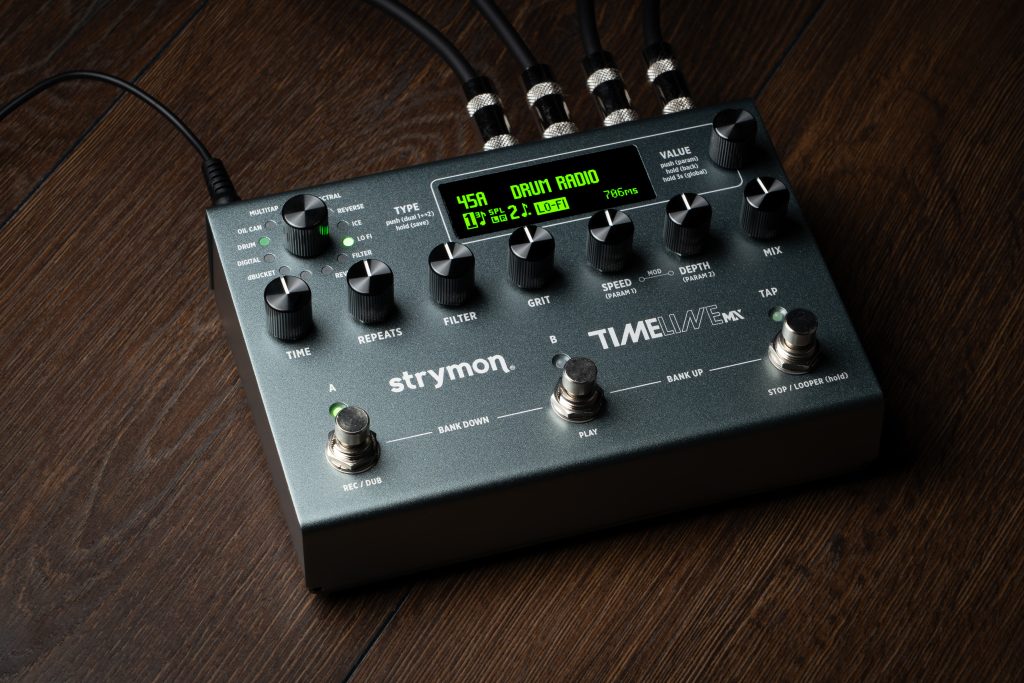
TimeLine MX delivers stunning studio quality delays and a host of new professional features in an elegant and intuitive stage-ready design. Every sound is carefully tuned to react musically to your playing, and every control has been calibrated for an intuitive feel and response. From classic echoes dripping with vintage vibe to captivating and modern sounds that push the envelope, TimeLine MX is full of fresh inspiration.

Time Machine From The Future

TimeLine MX delivers an extraordinary combination of premium features in a single pedal.

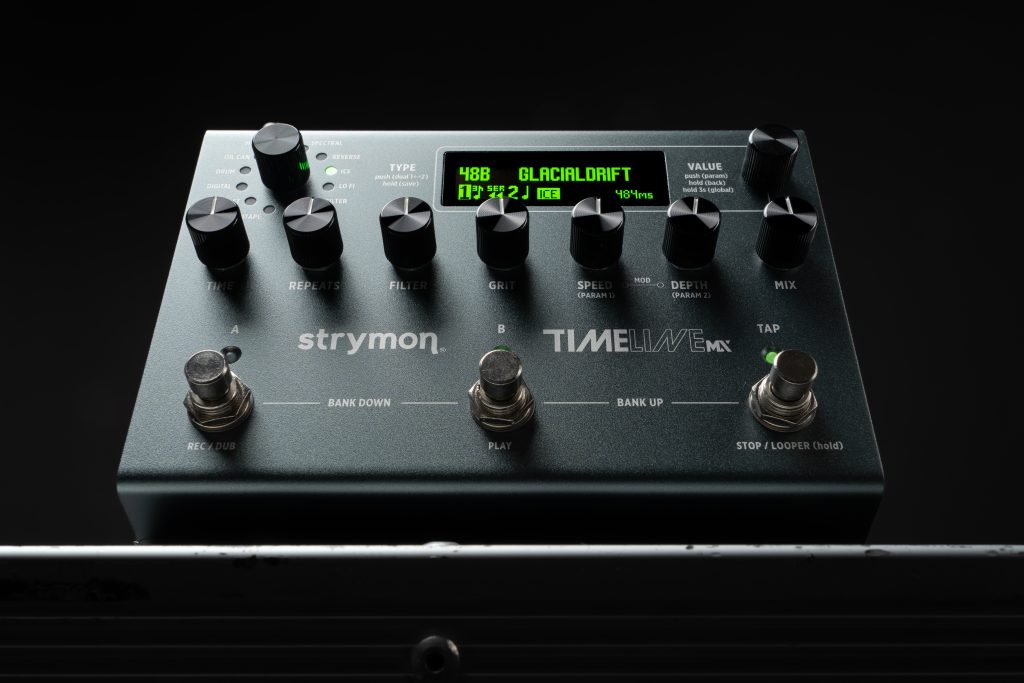
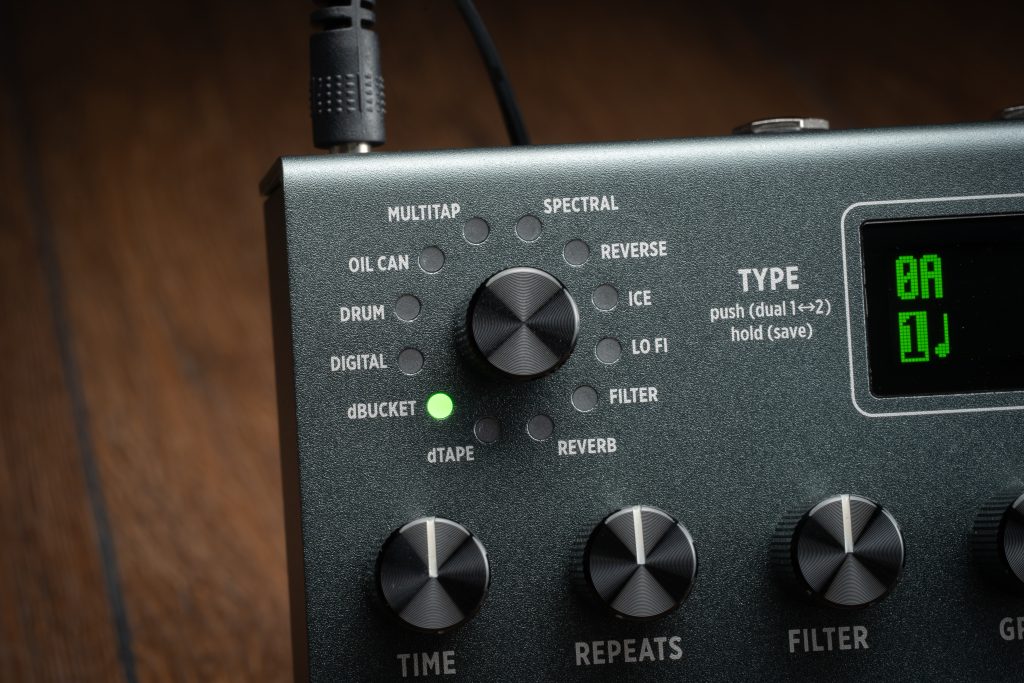
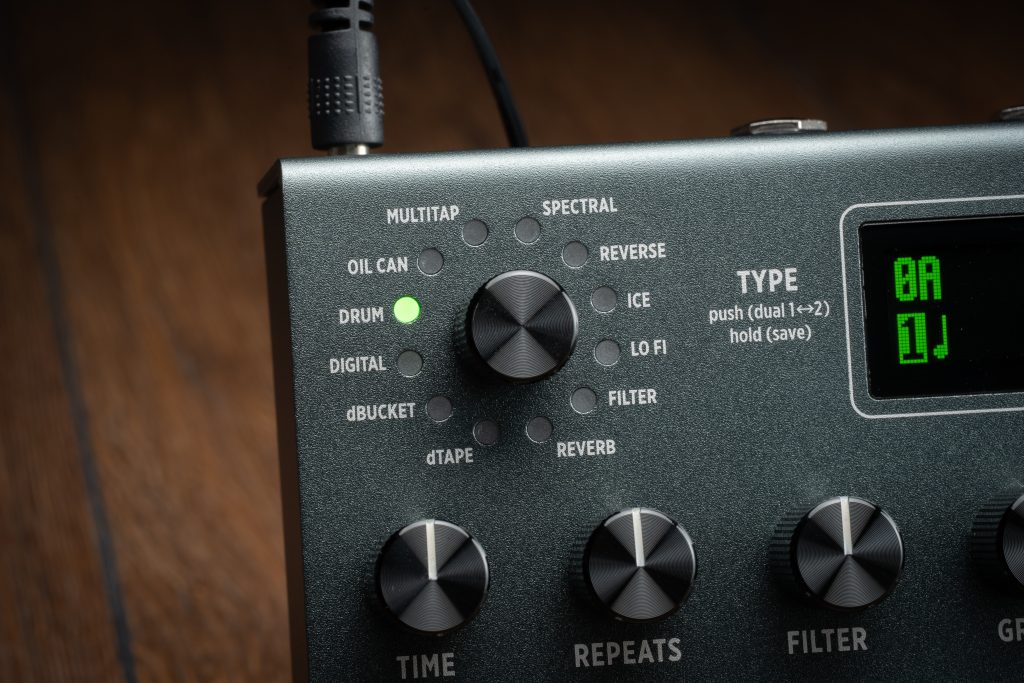
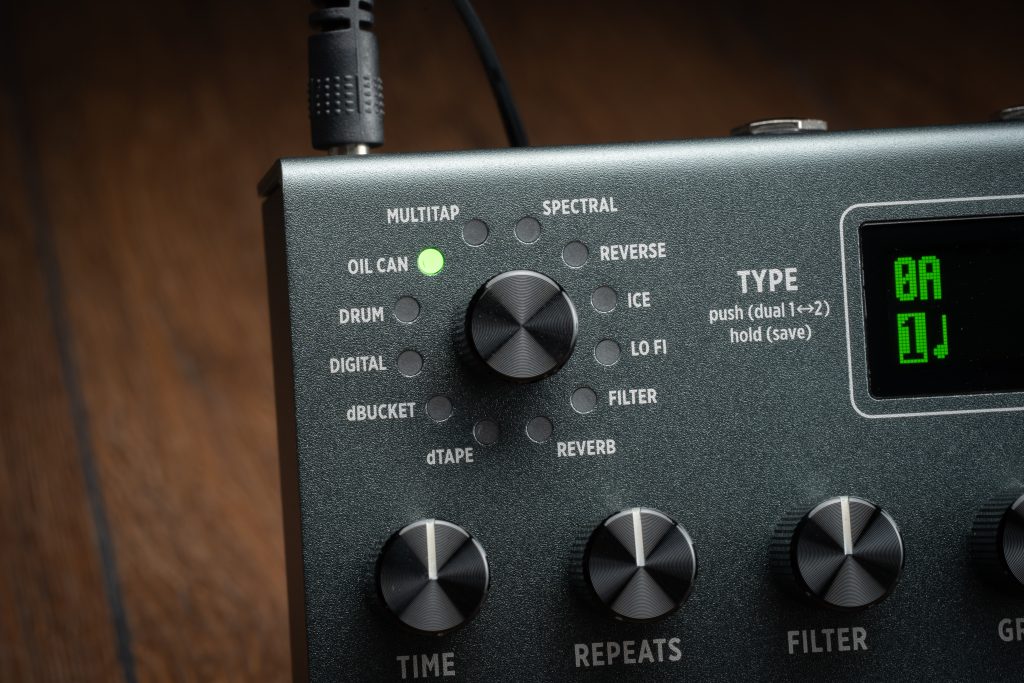
>12 World-Class Delay Machines

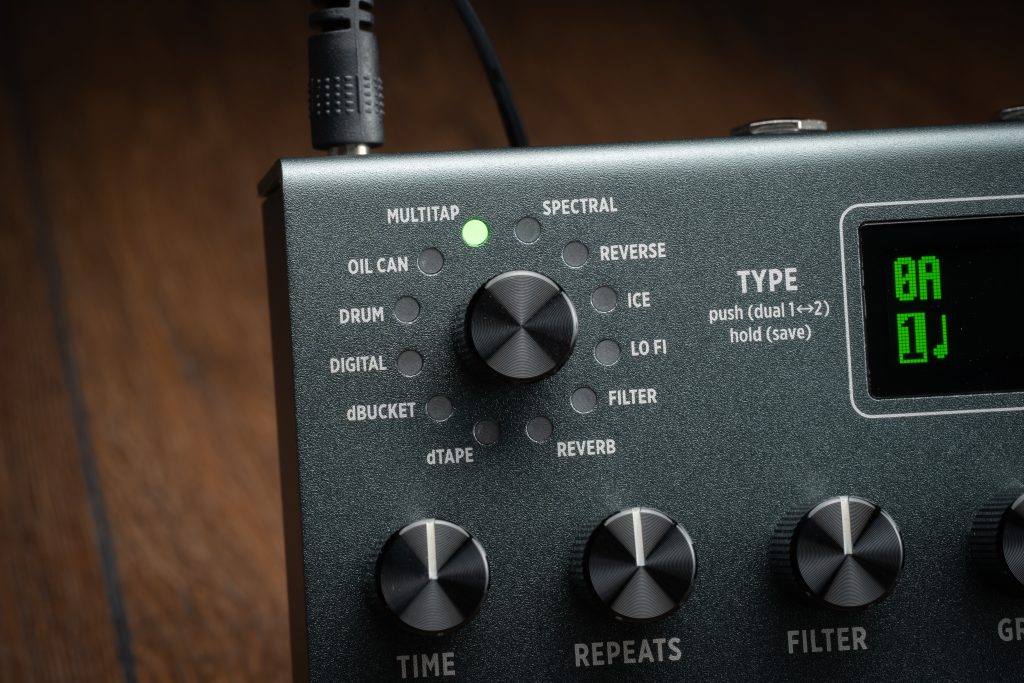
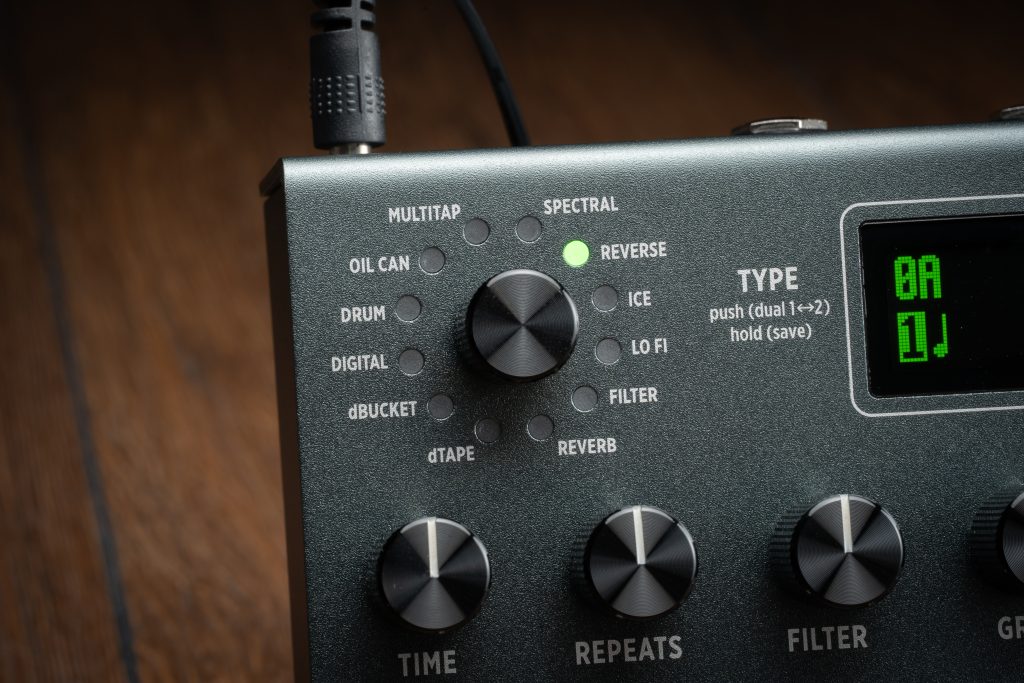
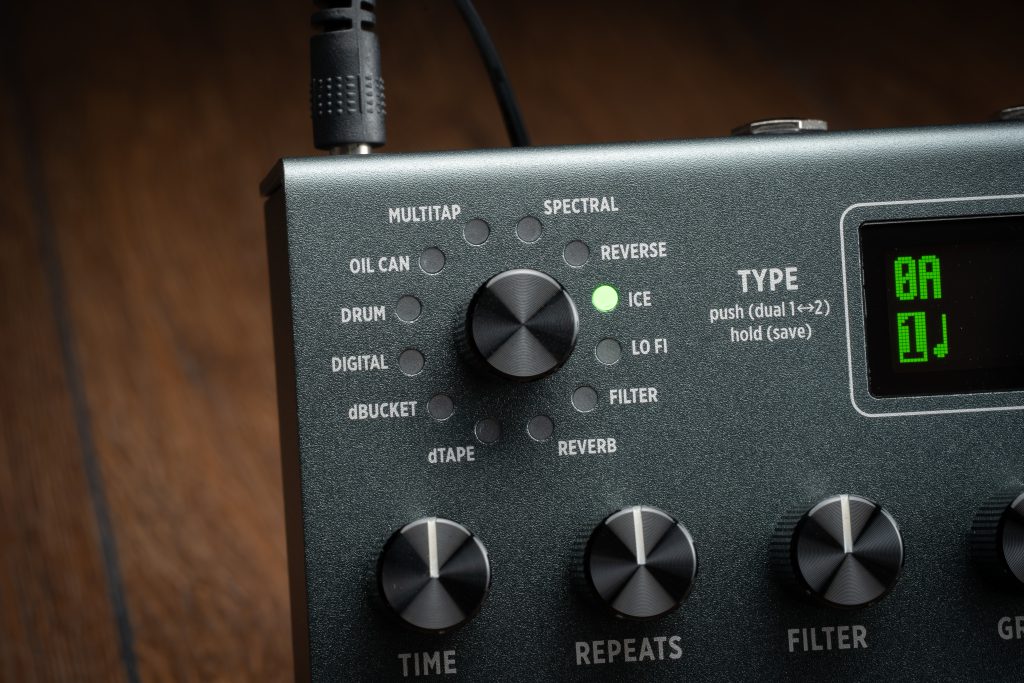
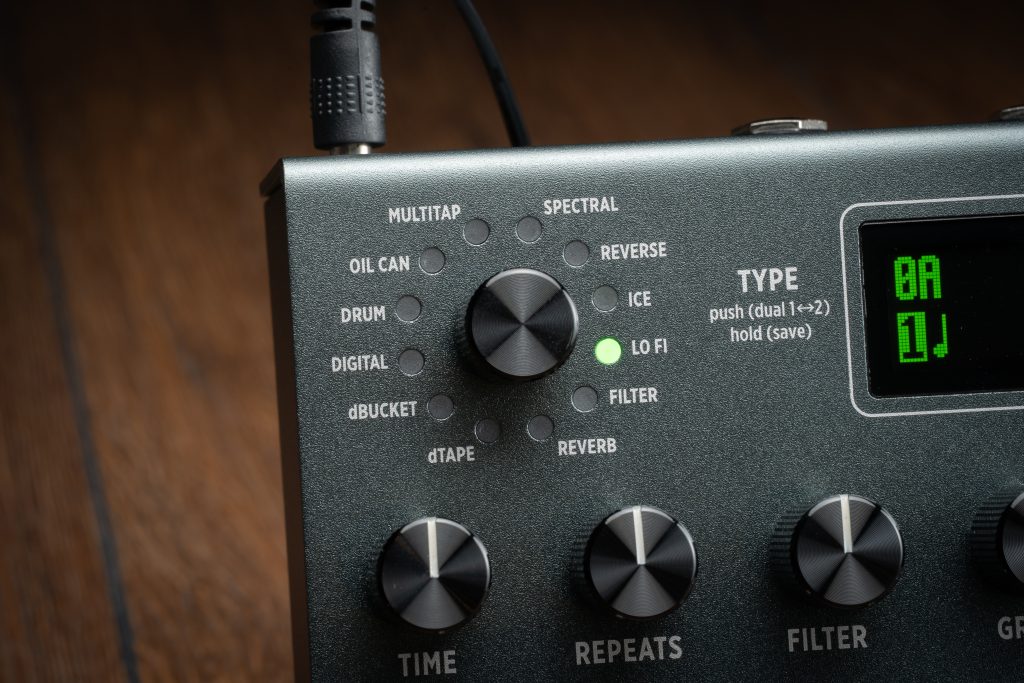
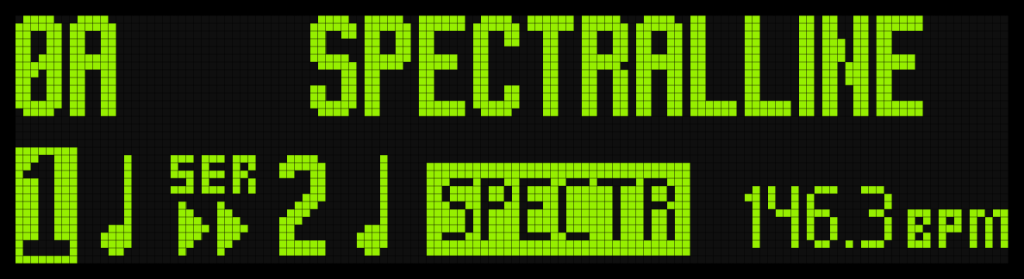
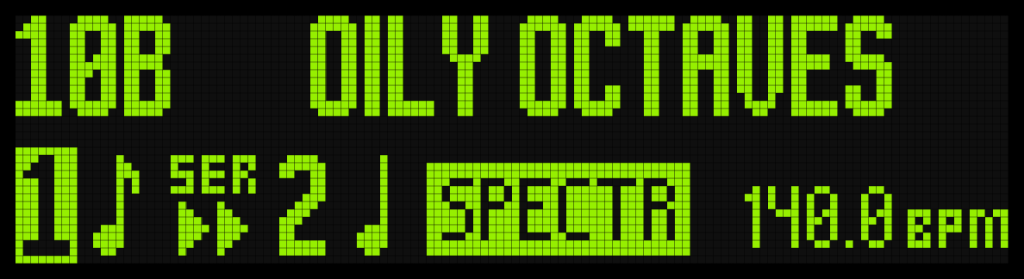
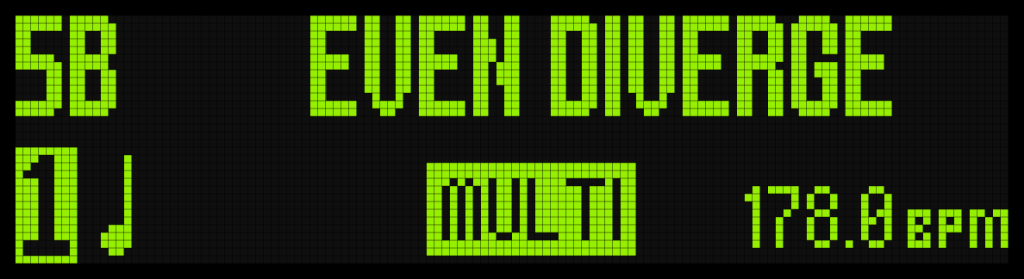
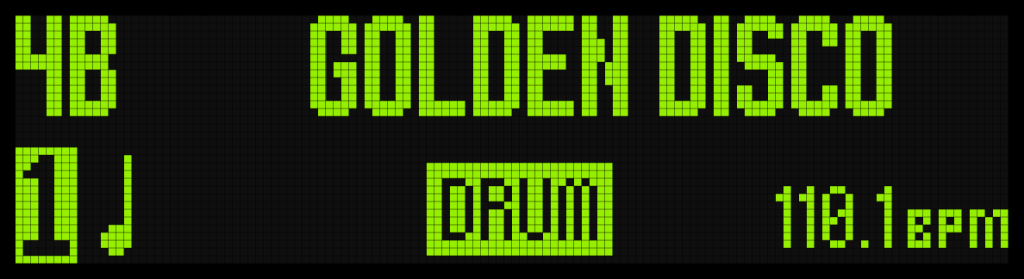
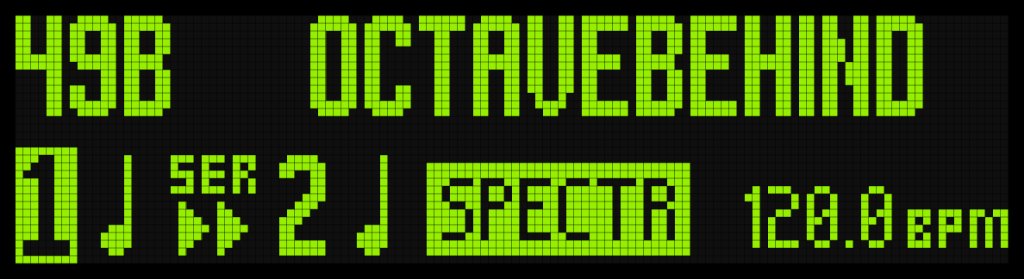
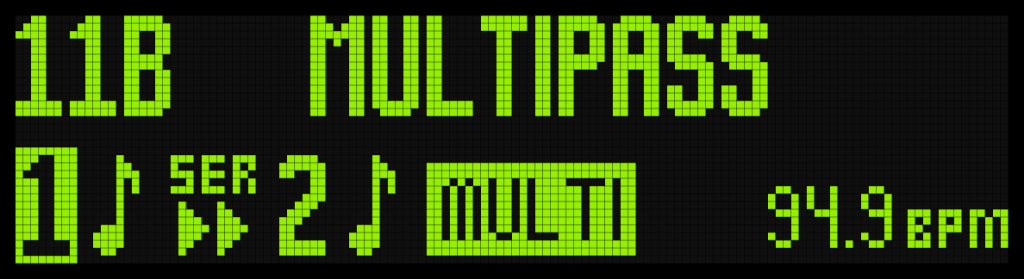
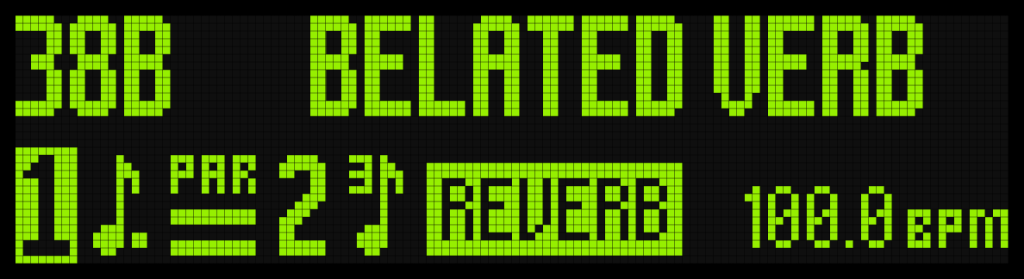
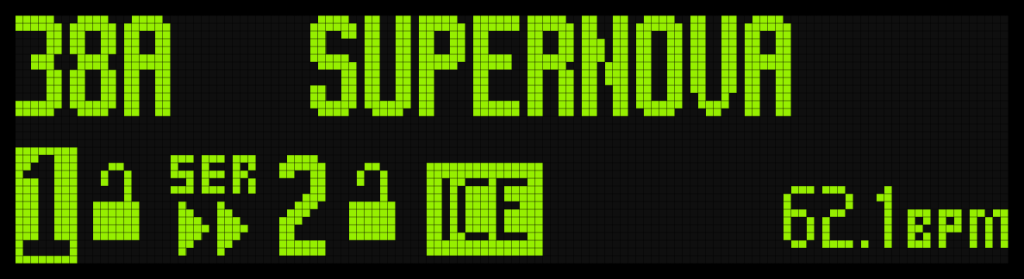
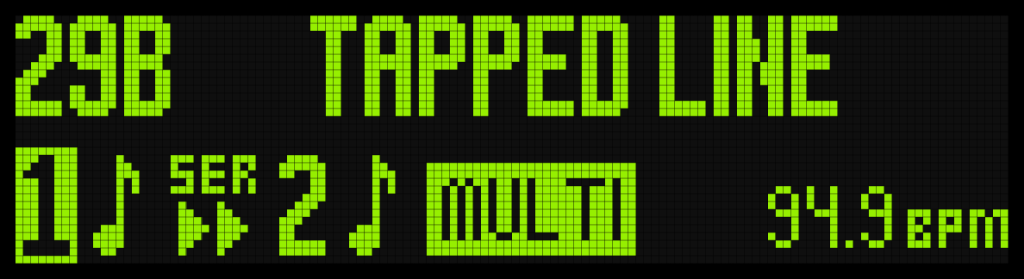
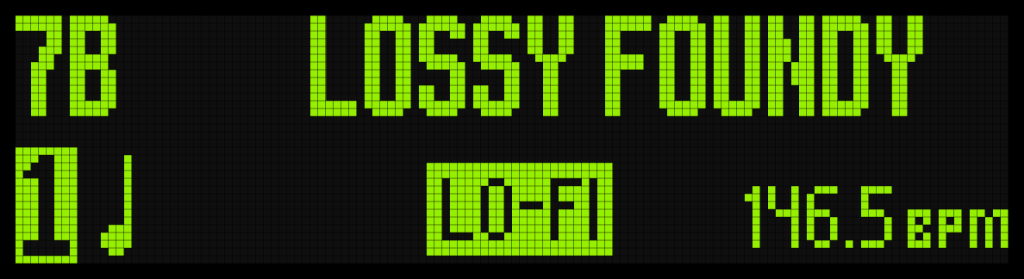
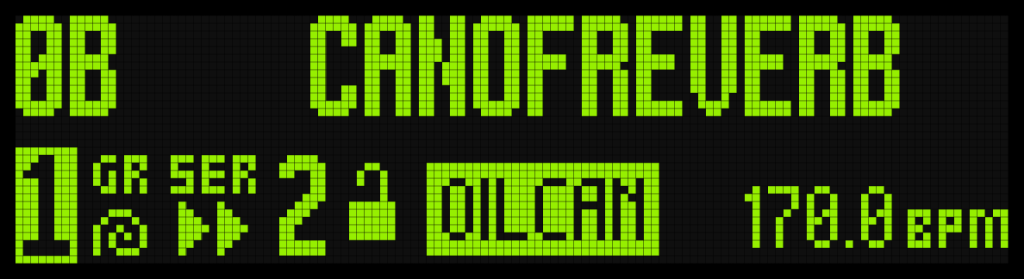
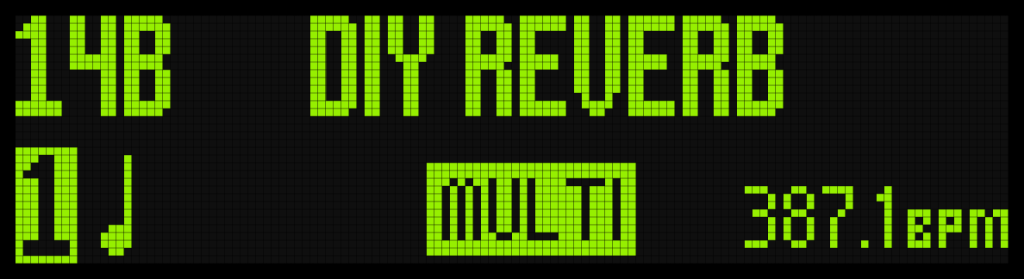
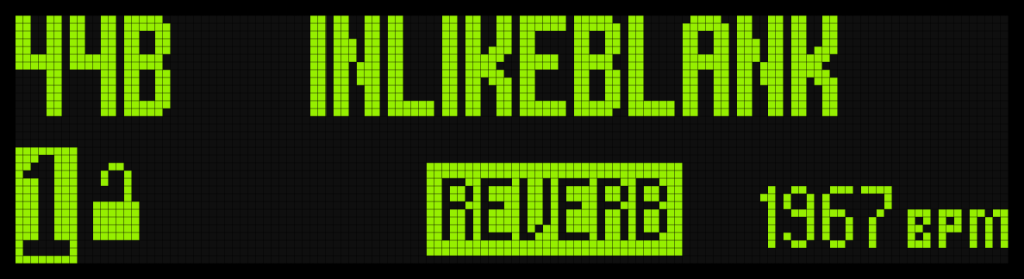
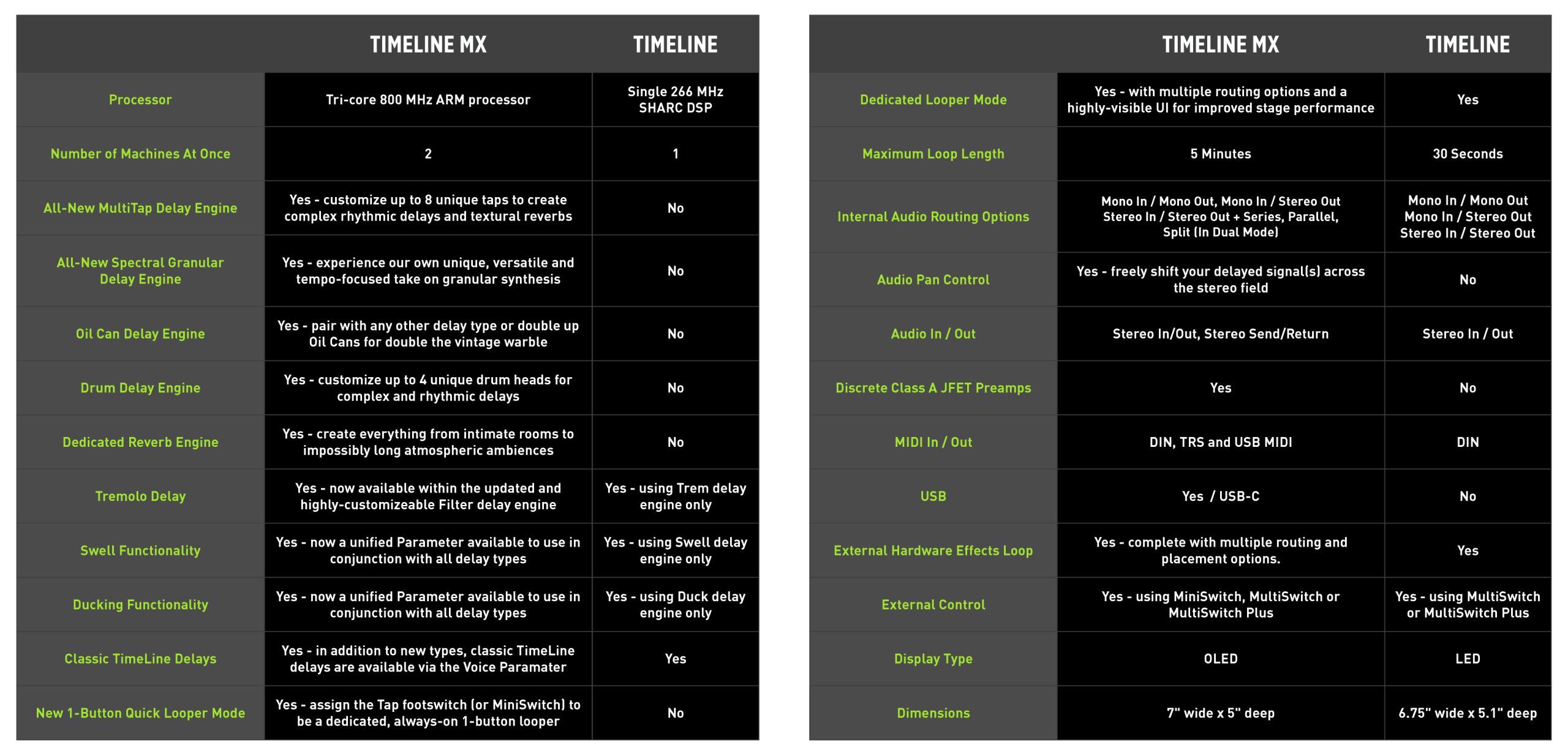
TimeLine MX features new Oil Can, Spectral, Drum, Reverb and MultiTap engines in addition to significant enhancements to the other classic TimeLine delay machines.

>Two Effects At Once

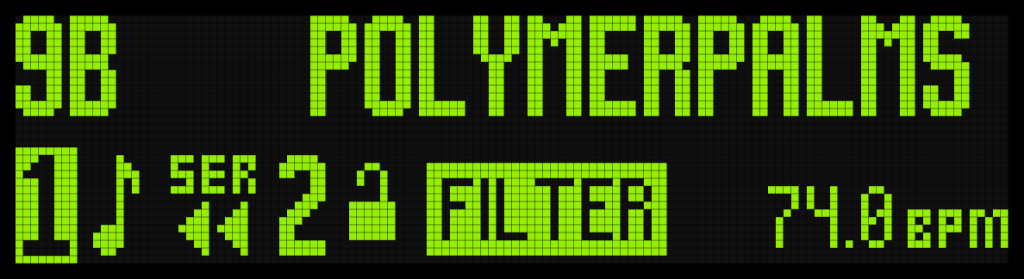
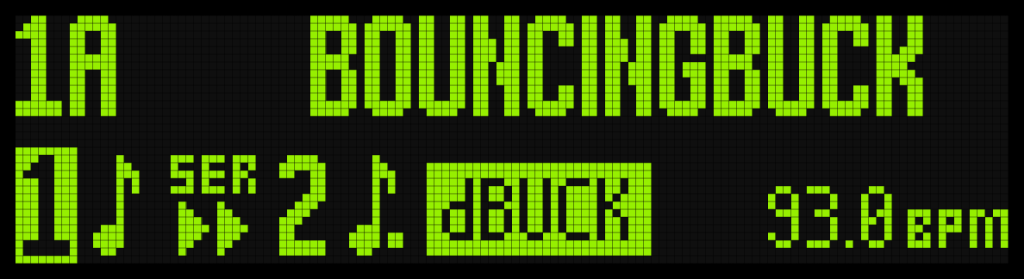
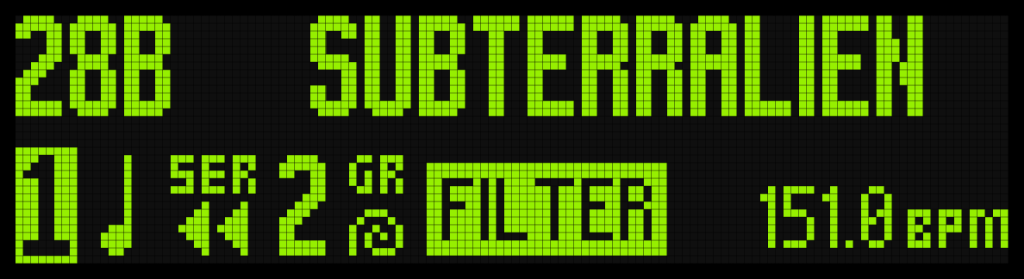
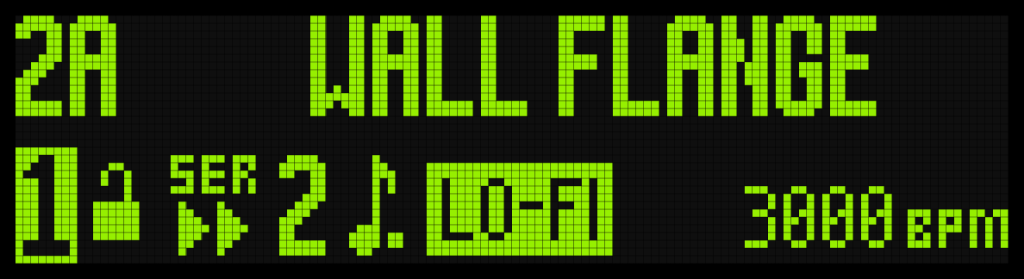
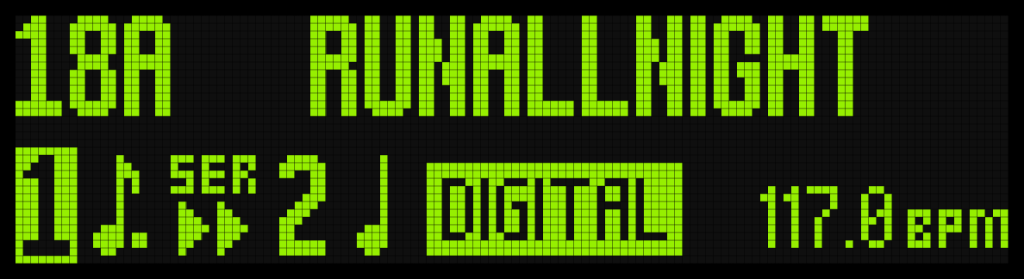
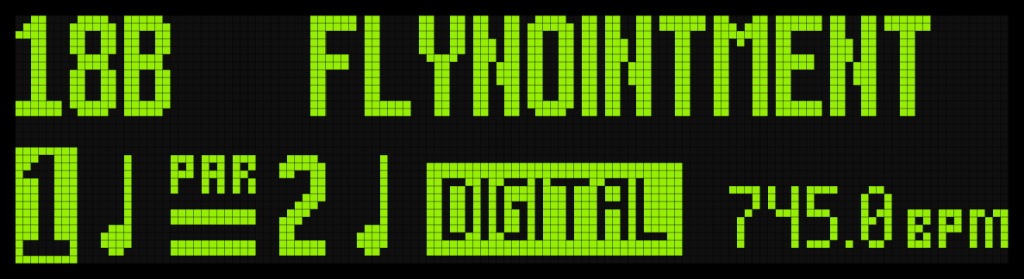
Dual delays can be routed in Series, Parallel or Split modes, and individually panned per engine.

> Five Minute Stereo Looper

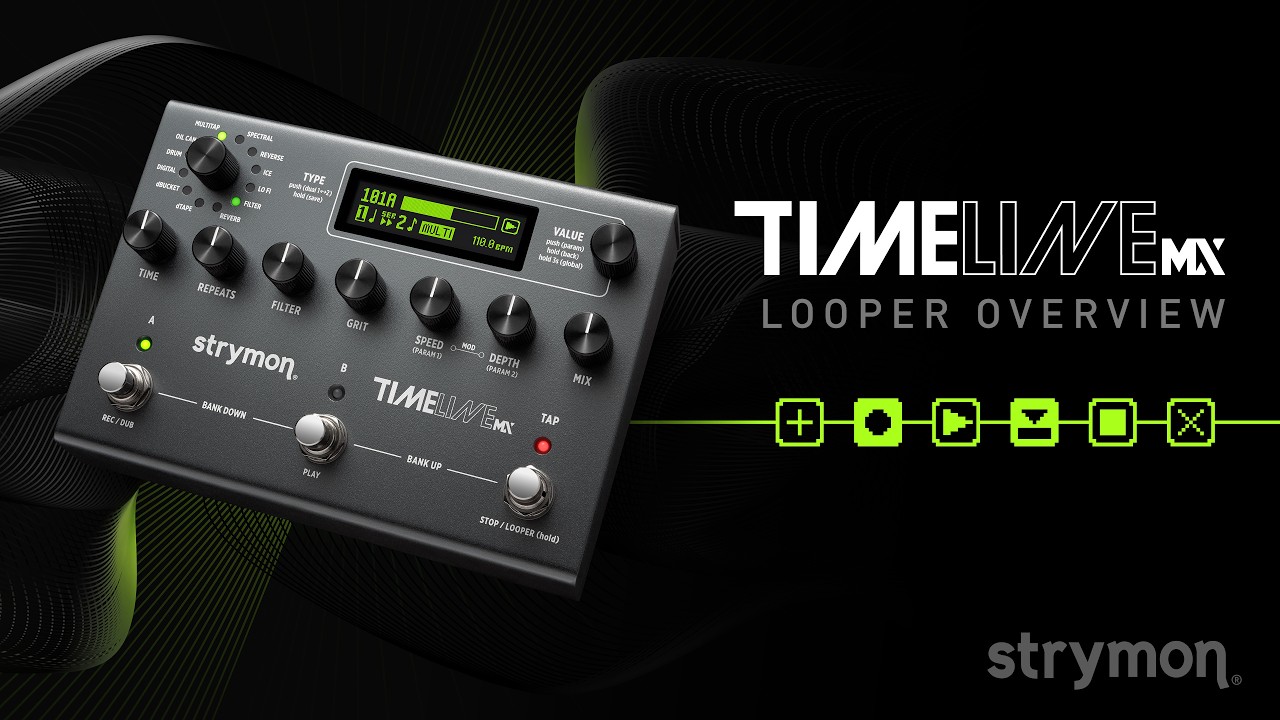
TimeLine MX features an integrated Stereo Looper with selectable multi or 1 Button Looper modes. The looper can be placed before or after the delay effects, and in 1 Button Mode it can be used on the fly without switching to Looper mode.

> Reverb Plus Delay

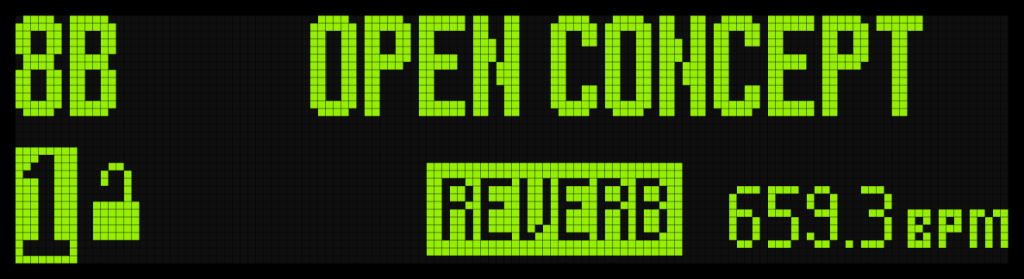
In addition to 11 delay engines, a stellar new reverb engine is included, allowing TimeLine MX to be your all-in-one delay plus reverb pedal.

> Full MIDI Control And More

Change presets and control parameters with MIDI via USB-C, TRS, or DIN connections. Access the looper controls (including reverse, redo and half speed) without entering Looper mode. Adjust controls via an expression pedal while you play. All this and more in an elegant and easy-to-use pedal.

> Stereo Input/Output Plus Stereo Send and Return

All jacks are TRS stereo providing selectable I/O configurations for any professional setup, including stereo or mono effects send/return, wet/dry, and wet/dry/wet.

Our Most Powerful Delay Pedal Ever

Delay Machines

Videos

TimeLine MX Videos

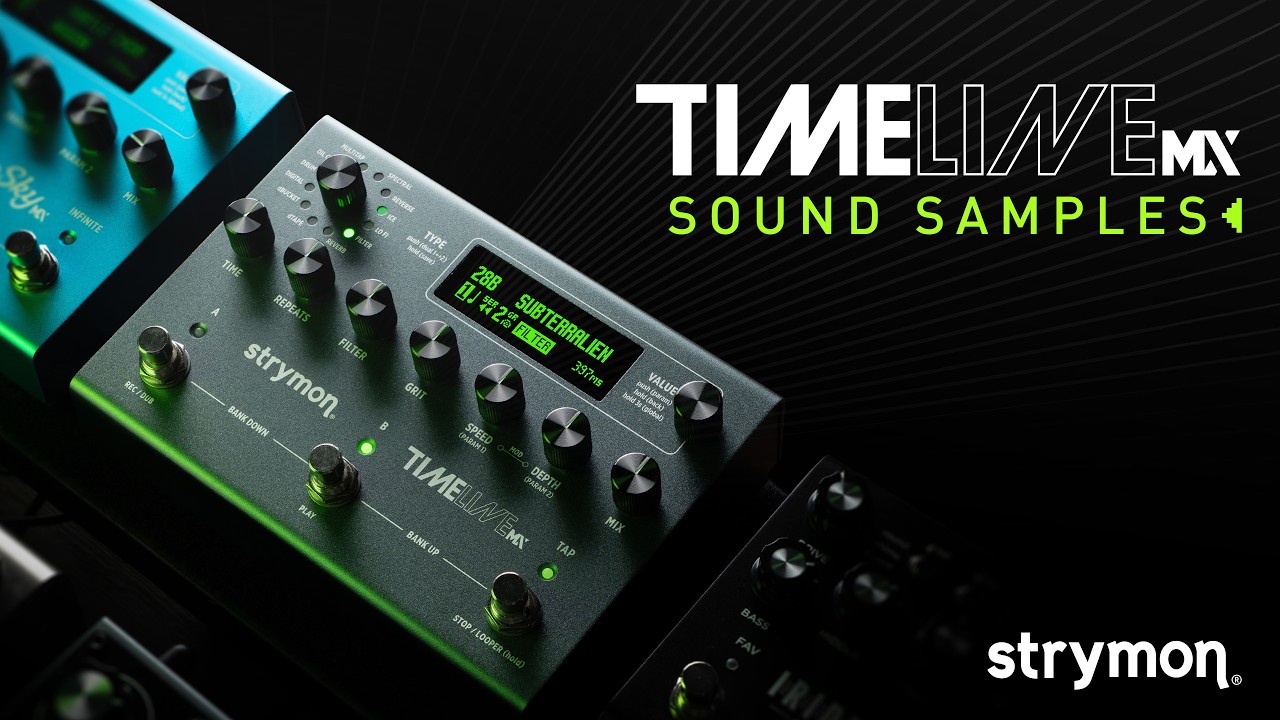
Sound Samples

Features

Ready To Play

Our most powerful delay pedal ever is also our most flexible onstage, combining intuitive operation with features professional musicians will appreciate. The bright OLED screen is easy to read even in harsh conditions, and navigation is user-friendly and clear. You can use the dedicated Tap Tempo footswitch to ensure that you’re in time with the rest of the musicians onstage as well as to control the one-button looper, and you can also control each machine separately in a Dual patch with your feet. Full MIDI control over every relevant parameter and extensive I/O including a hardware effects loop mean TimeLine MX can easily integrate into any rig.

Upcoming Nixie 2 Compatibility

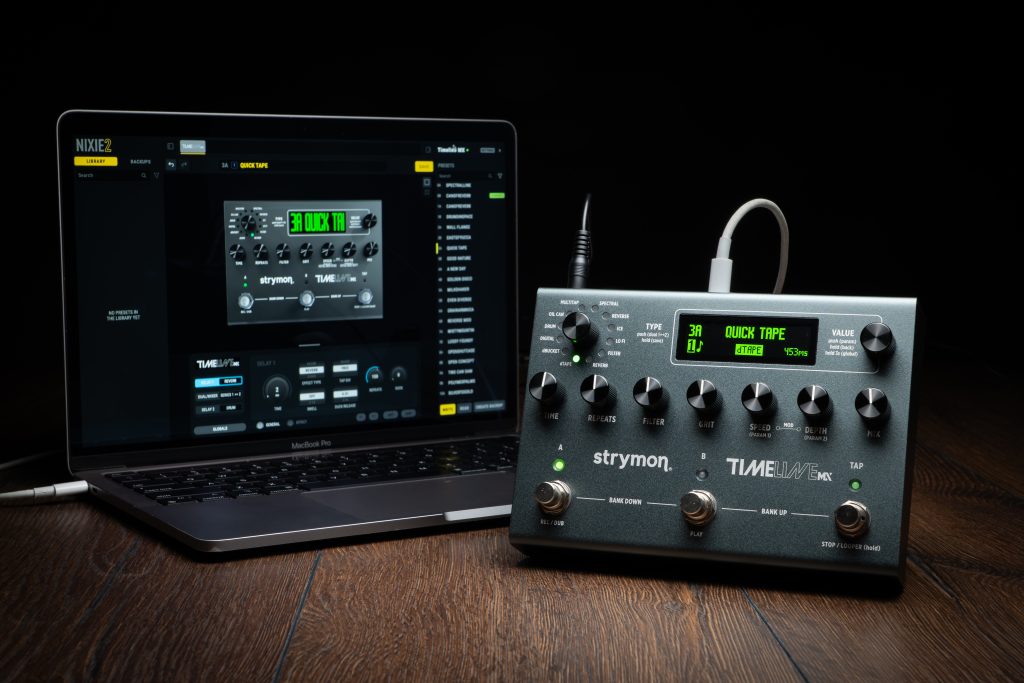
Unleash the full power of TimeLine MX with Nixie 2. Create and edit presets, tweak every setting in real time, and hear your changes instantly. Back up your favorite sounds with a click so you never lose that perfect patch. Nixie 2 also lets you connect and control multiple supported Strymon pedals in one streamlined platform, so you can edit your whole rig from one place.

TimeLine MX connected to Nixie 2 editor software.

Controls and Connections

Use the interactive dots (+) to learn more about TimeLine MX’s knobs, switches, and inputs/outputs.

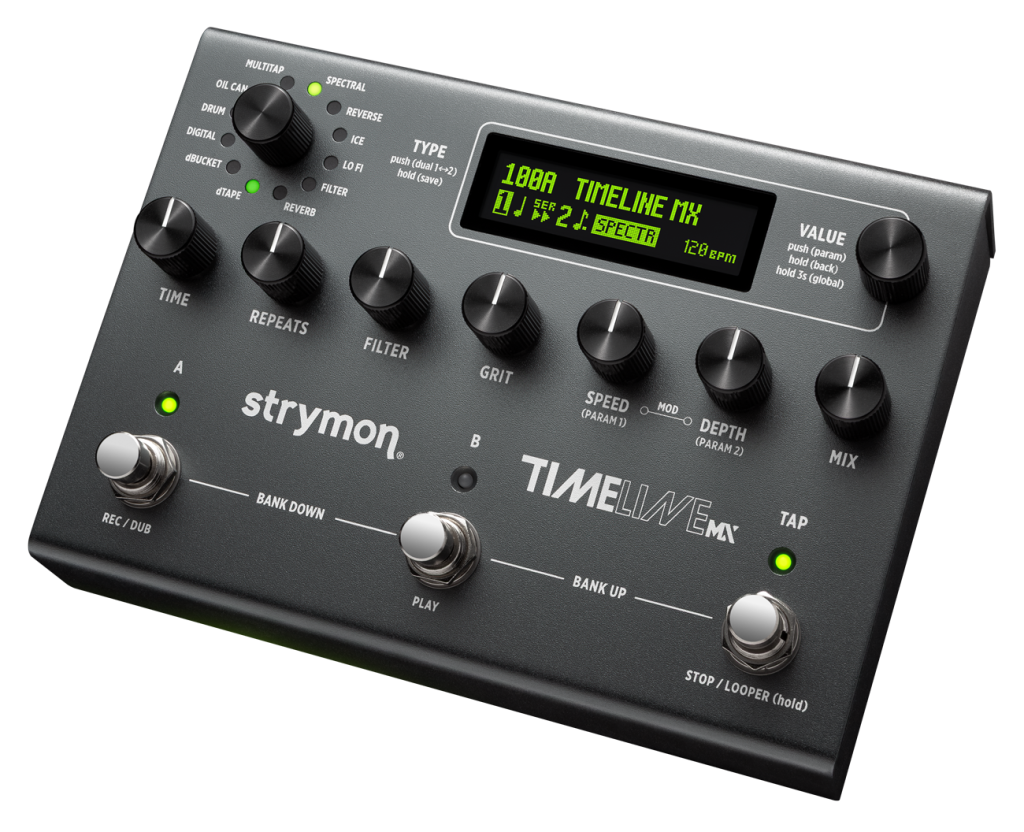
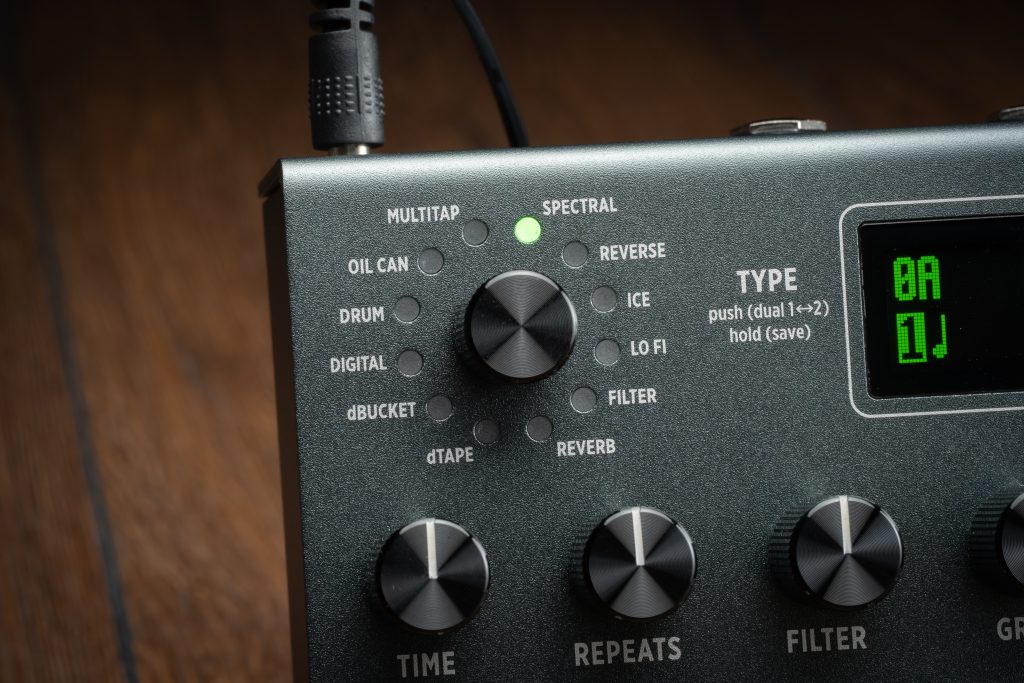
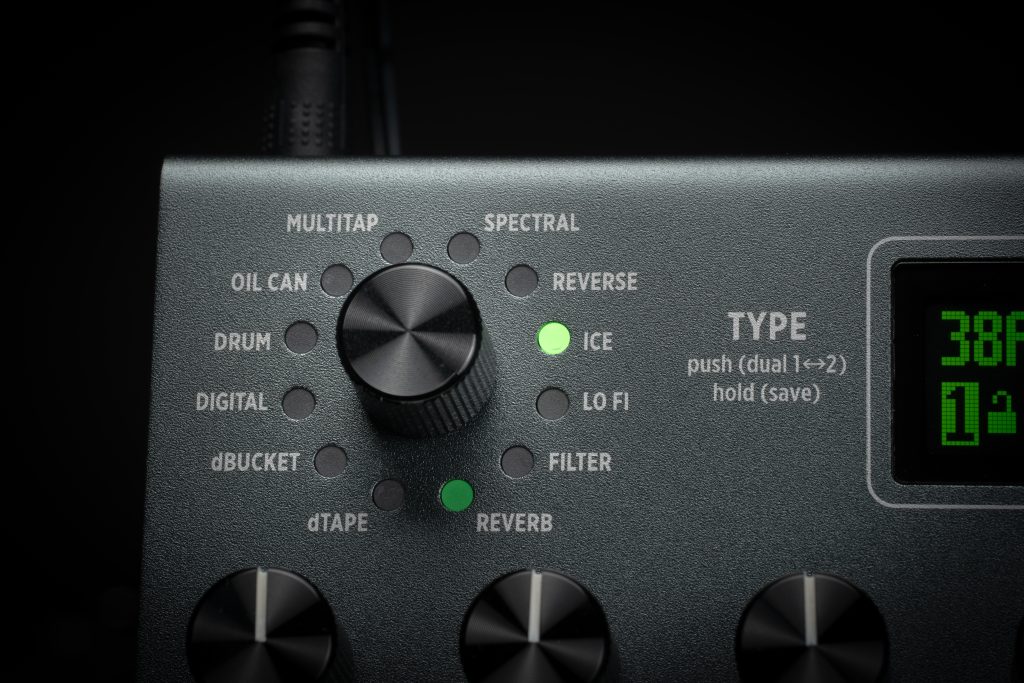
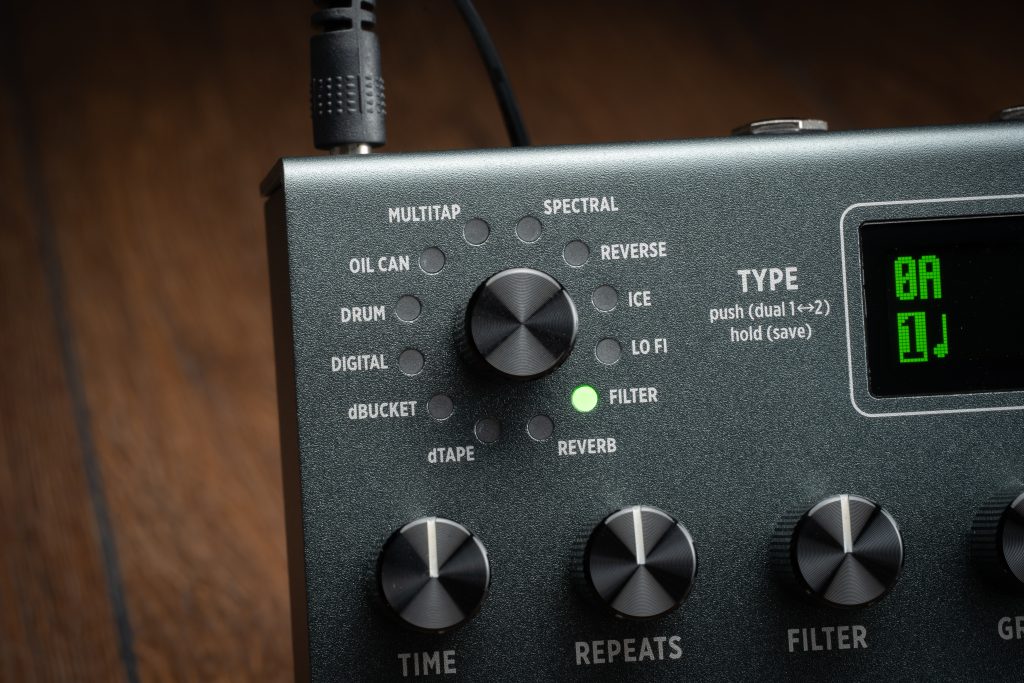
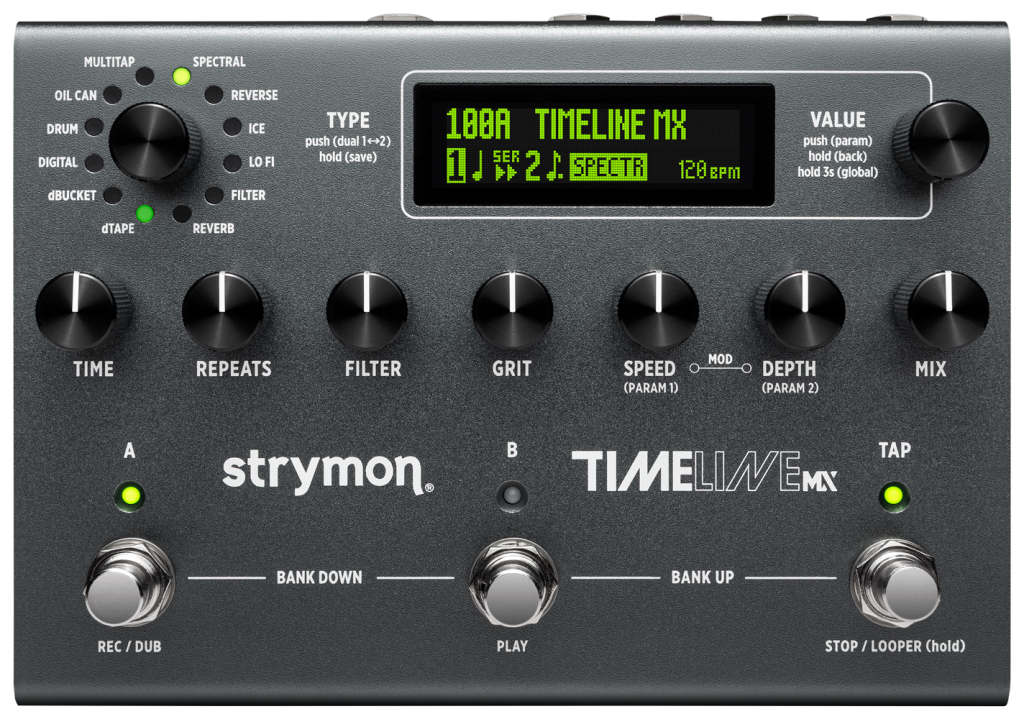
TYPE
Turn to select a Delay type. Press to select Delay 1 or 2, TAP Division 1 or 2, or the Dual Mode option, then turn to edit its setting (see DUAL MODES and TAP DIVISIONS). Press and hold to enter the SAVE screen to name and save the preset.

VALUE
From the Home screen, turn to select one of the 300 preset locations. Press to enter the PARAM menu. Hold for 1 second to return to the Home screen. Hold for 3 seconds to enter the GLOBAL menu.

TIME
Controls the delay time. The full range of the TIME knob varies per Delay type. In REVERB it controls Predelay.

VALUE
From the Home screen, turn to select one of the 300 preset locations. Press to enter the PARAM menu. Hold for 1 second to return to the Home screen. Hold for 3 seconds to enter the GLOBAL menu.

VALUE
From the Home screen, turn to select one of the 300 preset locations. Press to enter the PARAM menu. Hold for 1 second to return to the Home screen. Hold for 3 seconds to enter the GLOBAL menu.

REPEATS
Sets the number of echoes heard, from one repeat to sustained repeats with regenerating oscillation. In REVERB it controls Decay.

FILTER
Controls the shape of the repeats filter. In dTAPE, it controls Tape Age; in dBUCKET, the low-pass cutoff frequency; in FILTER, the LFO’s center frequency

GRIT
Progressively adds distortion and other artifacts. In dTAPE it controls Tape Bias.

SPEED
Controls the delay modulation LFO. When using dTAPE, it controls Tape Crinkle.

DEPTH
Controls the intensity of the delay’s Modulation. When using dTAPE, it controls Wow & Flutter.

MIX
Controls the balance of your analog dry and wet signal, from 100% dry at minimum to 100% wet at maximum. 50/50 mix occurs when the MIX knob is set to 3 o’clock.

FOOTSWITCH
Press A or B to engage or bypass the current bank’s preset. Press A & B to select a lower bank. Press B & TAP to select a higher bank. LEDs A & B light GREEN if active, AMBER if the preset has been edited, or off if bypassed. TAP blinks to indicate the current Delay type’s tempo. Hold TAP to enter LOOPER mode.

Optionally, set the FS MODE Global Setting to DUAL to confi gure footswitches A.

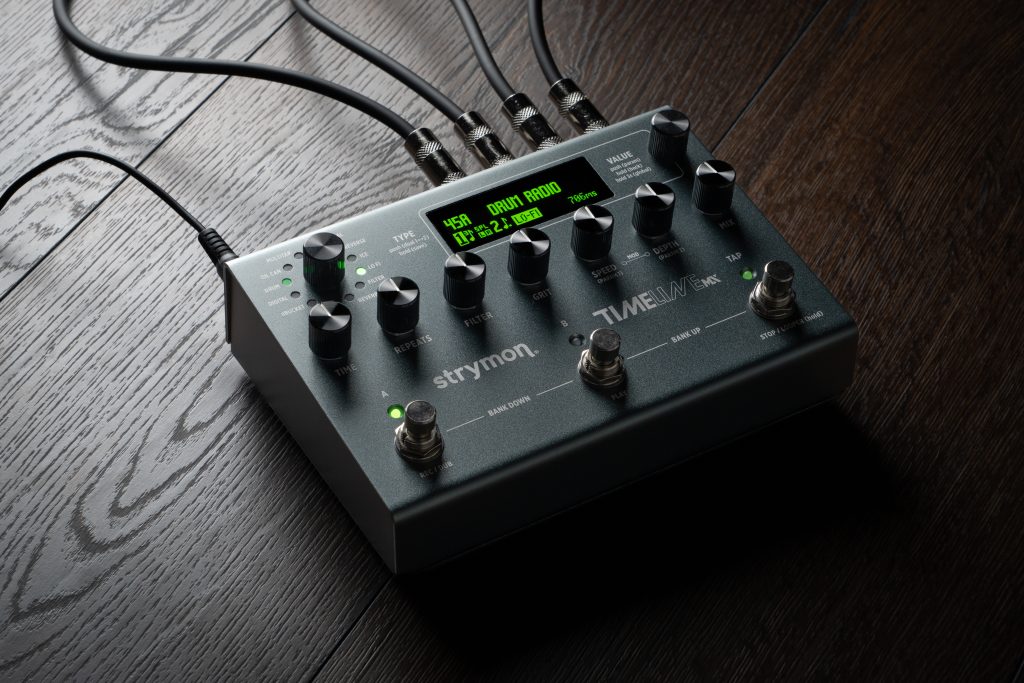
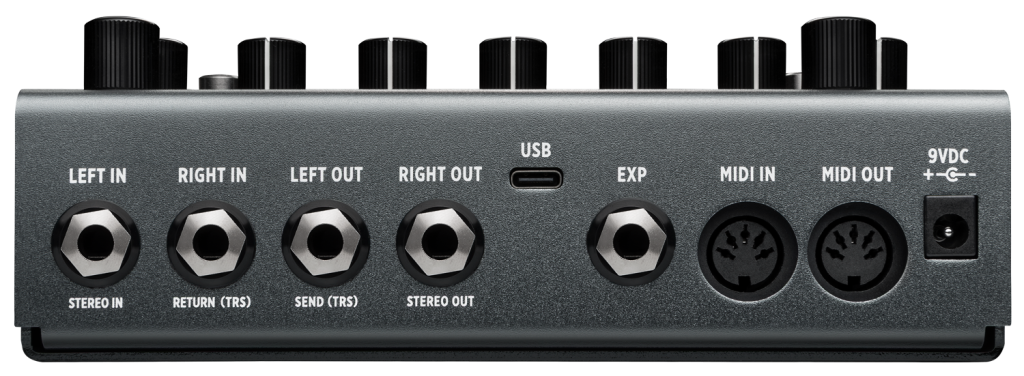
LEFT & RIGHT IN
High impedance, ultra low noise, discrete Class A JFET preamp inputs. Use LEFT IN for mono input. Add a RIGHT IN for stereo input. See the User Manual for additional I/O configurations
LEFT & RIGHT OUT
Audio outputs. Connect to both the LEFT and RIGHT OUT for stereo output. Use the LEFT OUT for mono output.
USB
Connect to a computer for using the Nixie 2 edit app, MIDI control, and firmware updates.

EXP
Multifunction communication jack for external control. Use a standard TRS expression pedal for continuous control of TimeLine MX’s knobs. Or use the Global Settings - EXP MODE options to configure the jack for MIDI communication or accessories, such as Strymon MultiSwitch and MultiSwitch Plus, to control various parameters and the LOOPER. See the User Manual for details.

MIDI IN & OUT
Full-featured MIDI input and output supporting MIDI CCs for parameter control, Program Changes for preset recall, and more. See the User Manual for details.

9VDC
Use a power adapter with a rating of 9VDC, center negative, and 500mA minimum (sold separately).

Specs

  • Stereo input & output
  • Switchable I/O configurations for normal, mono or stereo effects loop, wet/dry, and wet/dry/wet
  • Dedicated TAP footswitch for setting Delay Time and accessing 1 Button Looper
  • Infinite repeats for delay feedback effects and infinite reverb sustain (press and hold the lit A or B footswitch on the current preset)
  • Premium analog circuits with discrete JFET input preamp and low impedance output section
  • Selectable input level for instrument and line level signals
  • Analog dry path for a zero-latency dry signal that is never converted to digital
  • True Bypass (electromechanical relay switching) or selectable Buffered Bypass
  • EXP input allows the connection of an optional TRS expression pedal, MultiSwitch, MultiSwitch Plus, or TRS MIDI connection
  • USB-C jack can be used for performing firmware updates, for MIDI I/O, and for upcoming Nixie 2 editor compatability
  • Input Impedance: 1 Meg Ohm
  • Output Impedance: 100 Ohm
  • A/D & D/A: 24-bit, 96 kHz
  • Max Input Level: +10 dBu
  • Signal/Noise: 116 dB typical
  • High-performance 800MHz tri-core ARM processor
  • 32-bit floating point processing
  • Use an adapter with the following rating: 2.1mm, center-negative, 9VDC, 500mA minimum (sold separately)
  • Strong and lightweight anodized aluminum chassis
  • Dimensions:
    • 5” deep x 7” wide x 1.87” tall

    • 12.7 cm deep x 17.2 cm wide x 4.8 cm tall
  • Designed and built in the USA 🇺🇸